

As we move to the new version of Blackboard ‘Learn Ultra’ ready for September, you may need to reuse older video content, from the ‘Learn 9.1’ system, in your new modules.
The easiest way to do this is to simply download the videos from the original module, using the download button:
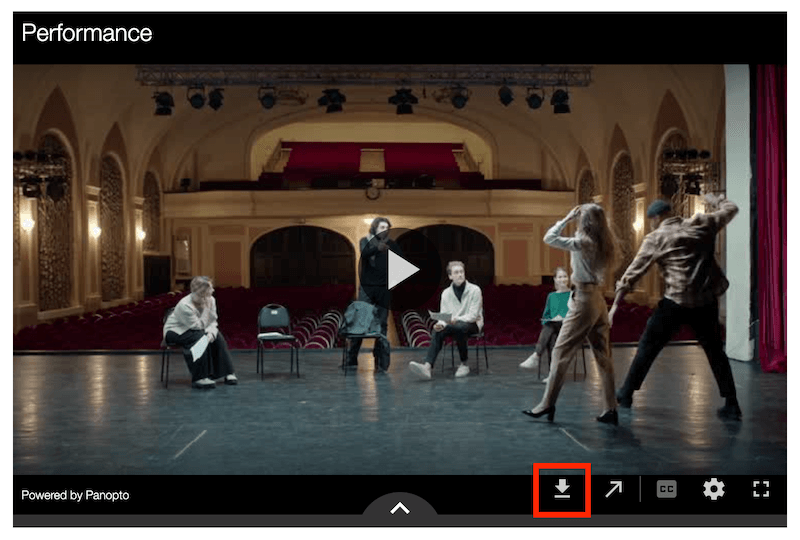
This will save the video file to your computer. Rename the file if you wish, and then follow the instructions to add a link to Panopto from your Blackboard module. This will enable you to upload the video you have just saved, into the new Ultra module ready for use.
You can then add your video to a module document page, or embed it as a full-size video in the Content page.
*If you do not see the download button this means that the original uploader has removed this feature, and you will need to contact the TEL Team for further assistance: tel@worc.ac.uk