

Introducing the Digital Education Hub
The Digital Education Hub is a new SharePoint site created to support colleagues in the design and delivery of online and blended learning.
The Hub brings together practical and technology-enhanced guidance, with examples and resources all in one place – making it easy to access support. It can be used when designing a new course or CPD programme, developing online activities, refreshing existing content, or for exploring different approaches to teaching and learning.
You’ll find step-by-step guidance, templates, examples of practice, and support for using digital tools or platforms at the point of need. The Hub is intended to support colleagues involved in teaching and course development, regardless of experience level.
What you’ll find in the Hub
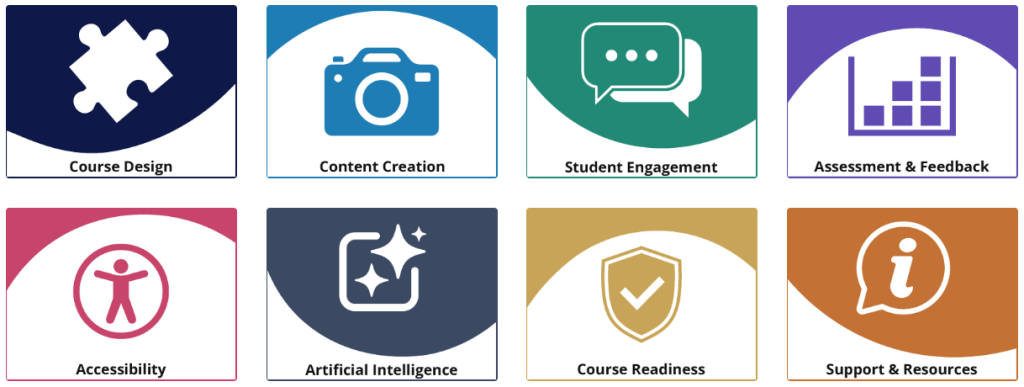
The Hub is structured around key aspects of digital education. It includes guidance on planning and structuring courses, creating engaging content, and encouraging student participation in both asynchronous and live settings. You’ll find advice for designing assessment and feedback, and for making content accessible and inclusive. There is also guidance on course readiness to support reviewing and sense-checking courses before launch, alongside templates, tools and further support.
How to use the Hub
You can use the Hub in a way that suits your needs:
- Work through sections step-by-step when designing a new course
- Dip into specific topics for quick guidance
- Use templates and checklists to support planning and review
- Revisit sections as part of ongoing course development
The Hub focuses on small, actionable guidance to assist colleagues in designing clear, consistent and well-structured online and blended learning. This includes aligning learning outcomes, activities and assessment, making effective use of digital tools, and ensuring content is accessible and easy to navigate.
The Hub’s guidance is intended to be practical and flexible – you don’t need to use everything, just what’s most helpful for your context.
Explore the Hub
Visit the Digital Education Hub (SharePoint site, UW login required).
We recommend adding the site to your
favourites or following it in SharePoint so it’s easy to find again and remains visible in your navigation.

While the Hub provides an on-demand resource, the TEL team are also here to offer one-to-one assistance where needed. If you’d like to talk through your course or project, or explore how the Hub can support your teaching, please feel free to get in touch: tel@worc.ac.uk
