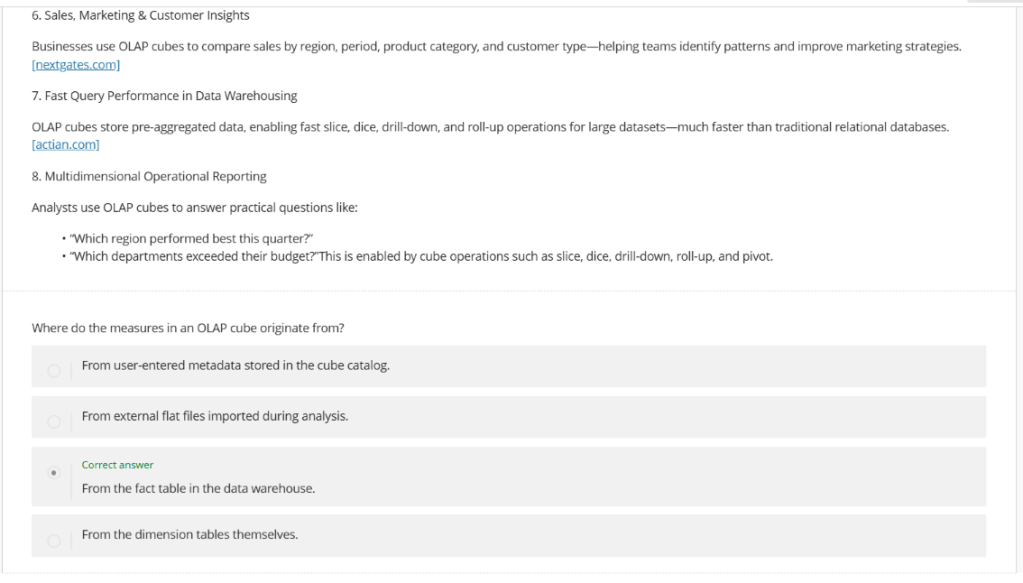
The Blackboard ‘Document’ tool now includes a new AI feature for Knowledge Checks. This option enables you to either enter a question manually or autogenerate a question using the built in AI knowledge check generator. Knowledge Checks in Blackboard enhance the learning experience, they allow students to access and engage with content, then receive immediate feedback. Tutors can also view the students’ responses.
How to use documents created elsewhere

Tutors can convert word, pdf or PowerPoint files directly into html format using the Blackboard ‘Convert a file’ option.
Converting a file in this manner will result in a more accessible experience for students. Once the file has been converted, any additional formatting can be added from the formatting tool bar.
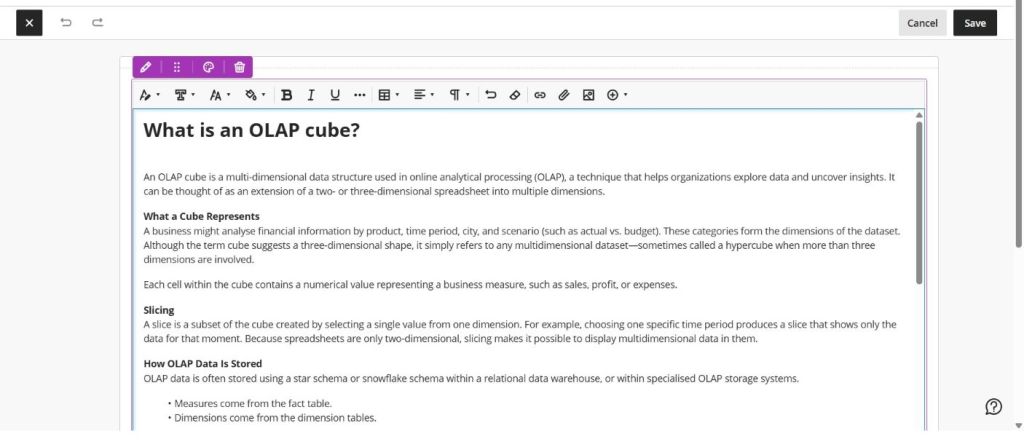
How to add a Knowledge Check
Once the file has been converted, a knowledge check can be added to the document.
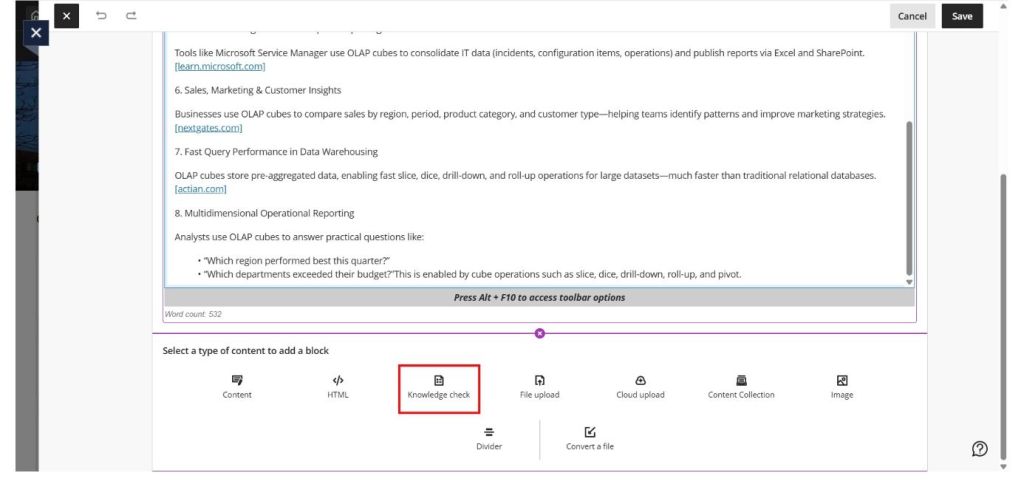
You can create your own question or use the built in ‘Auto-generate question’ tool to create one for you. (Auto-generated questions use the Blackboard AI Design Assistant.)
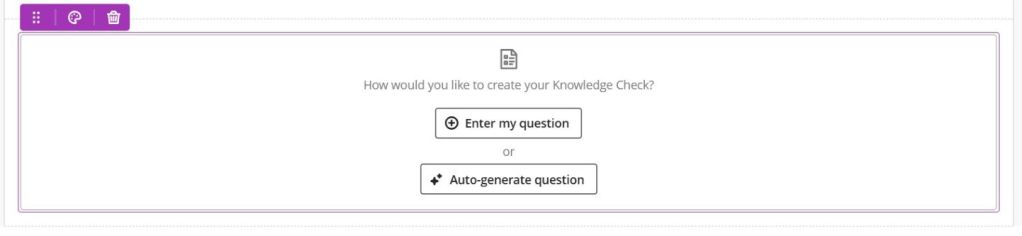
The question will then appear at the end of your converted document.